Windows
x64 · ZIP
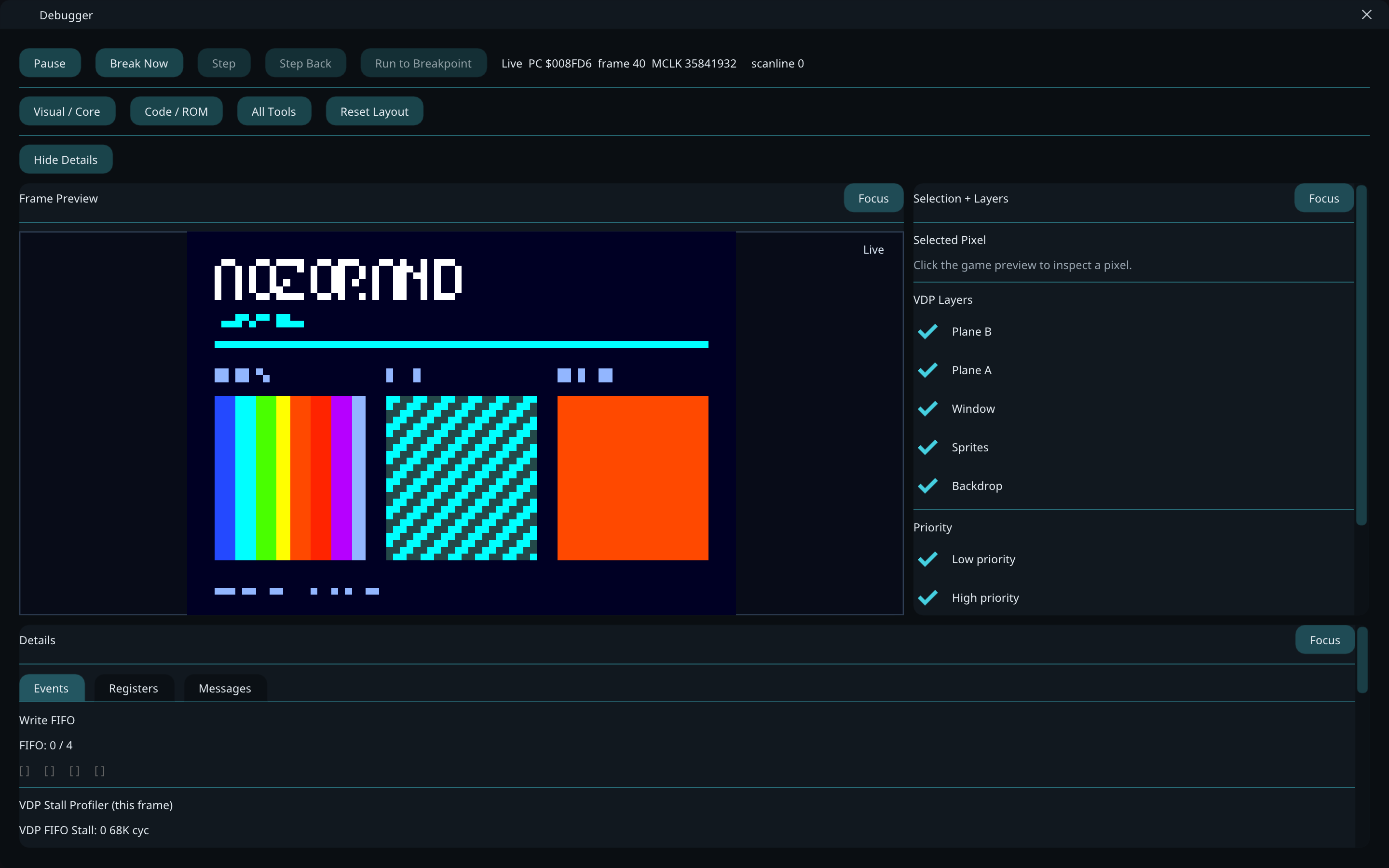
AozoraMD runs Mega Drive / Genesis games on Windows, macOS and Linux. Inspect the hardware in its built-in debugger, rewind a session, or try the optional AozoraVision shader.
Checking public build availability…
C++20 · Open source · GPL-3.0
Links below open GitHub Releases unless a published package is available. macOS instructions explain the unsigned build before any download.
x64 · ZIP
Apple silicon · DMG
Unsigned · first-launch steps required
x86_64 · Flatpak
aozoramd.exe.flatpak install ./aozoramd-linux-x86_64.flatpakAndroid arm64 is experimental. No Android package is offered here.
An optional shader for a remastered look: upscaling, less dithering and banding, and reconstructed transparency in checkerboard effects. Recent work improves artwork protection and lettering. Results still vary by game and scene.
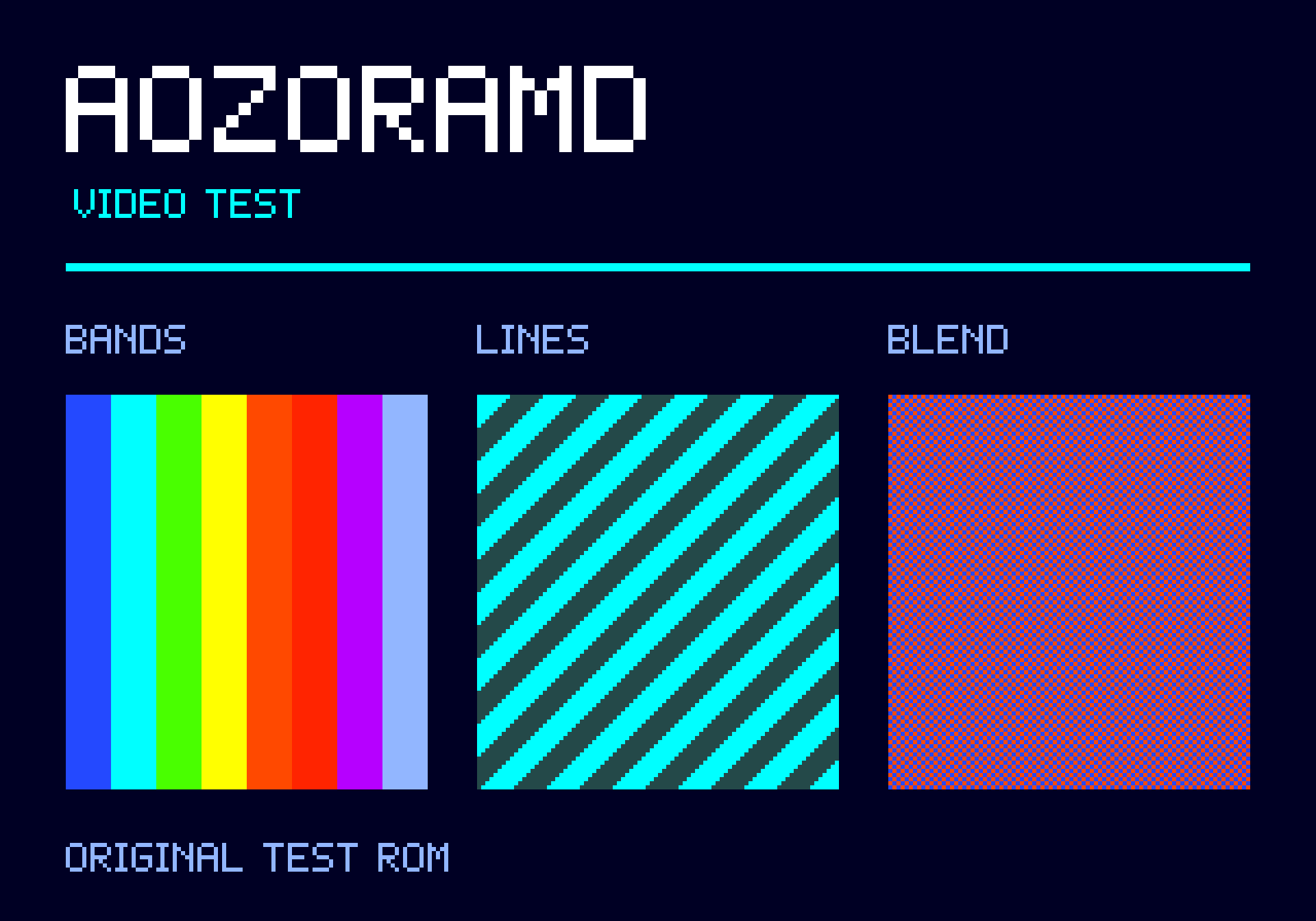
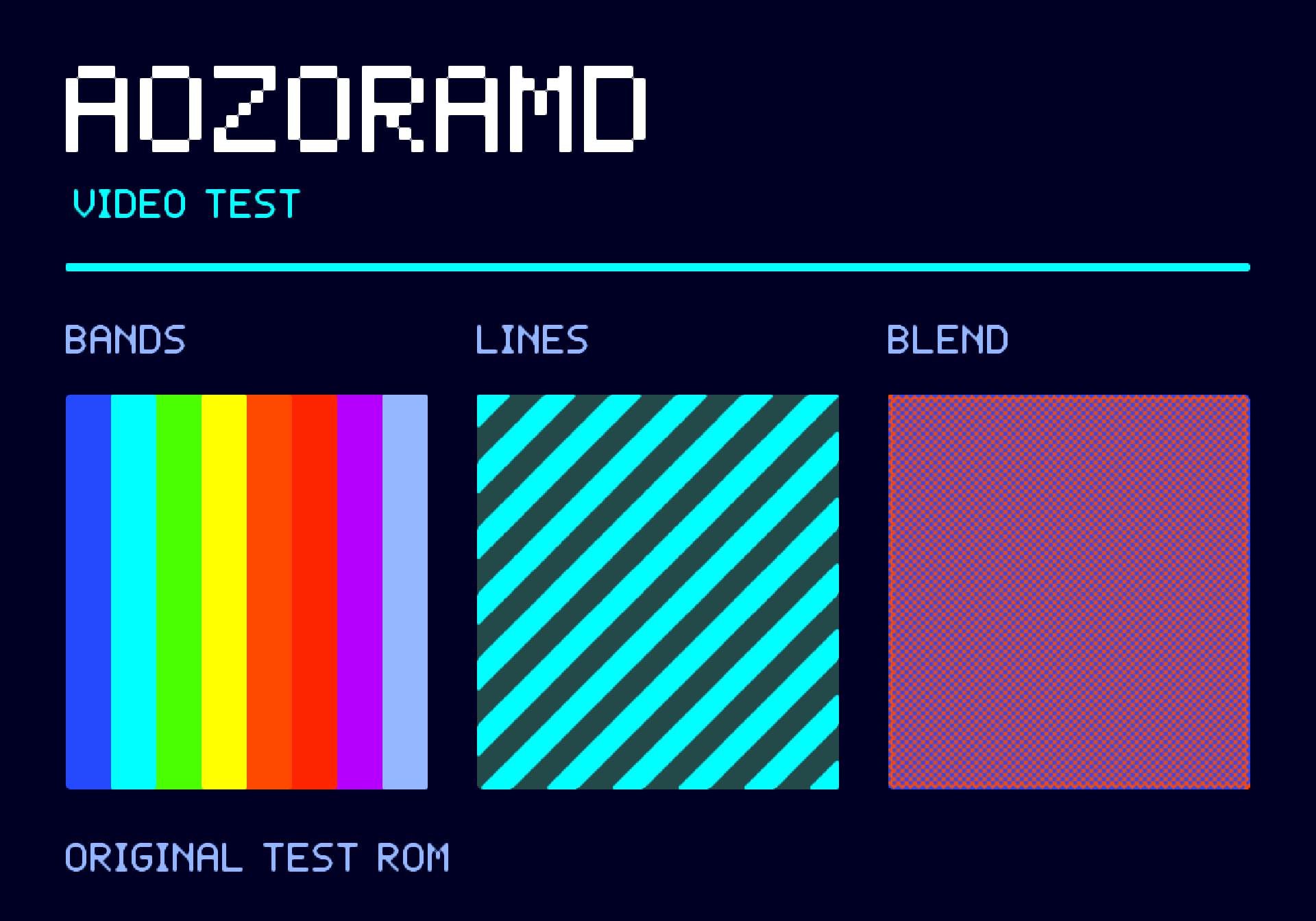
Original video test ROM · Same static pattern and output size, OpenGL. This is a test pattern, not game footage. Click either image for the full capture.
Processing is optional. You can also use unprocessed output or CRT mode.
ROMs and BIOS files are not included. Open your own game files in the app. Settings and saves live in ~/.aozoramd.